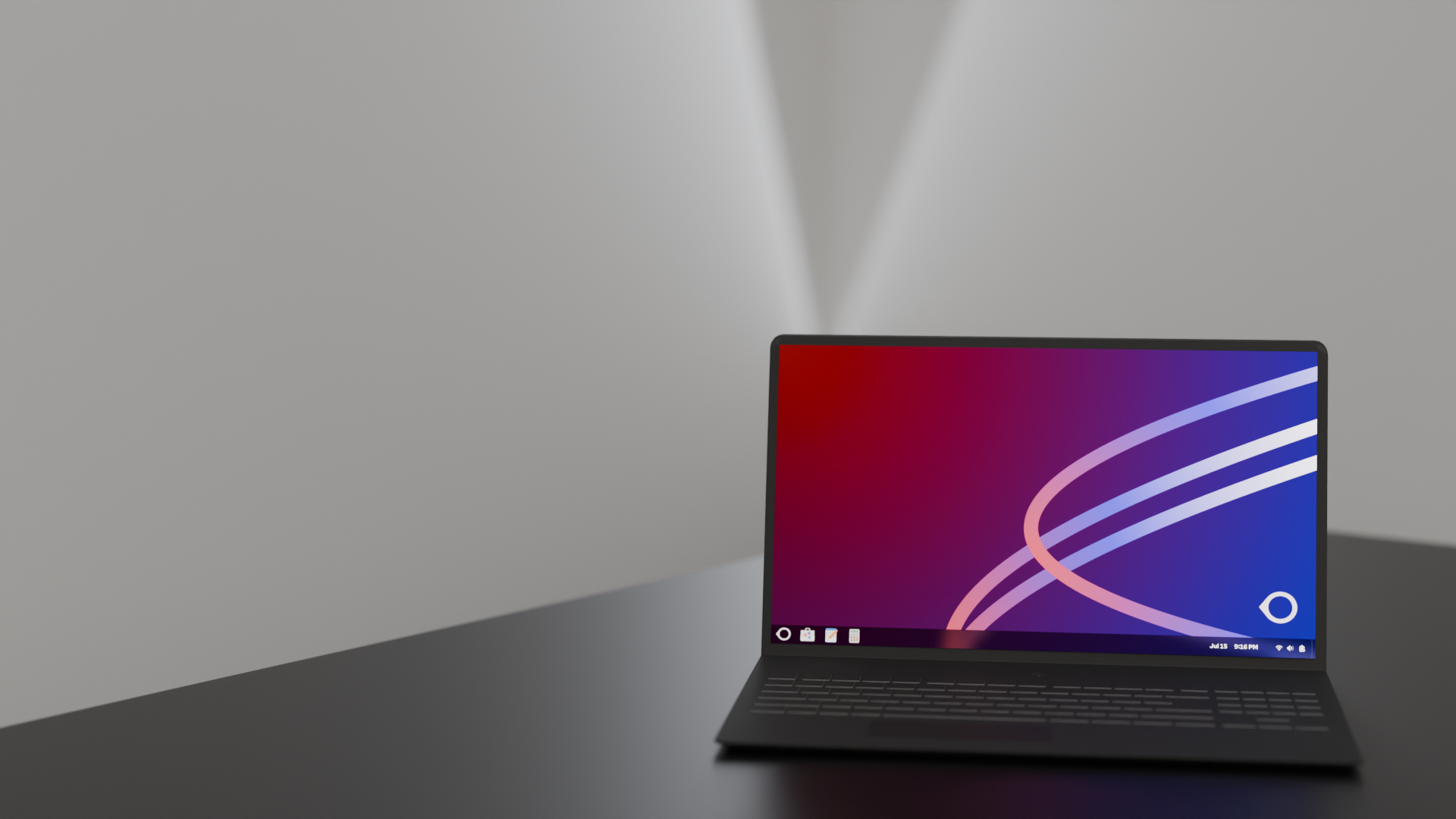
Oreon 10 'Foxy'
Released December 12, 2024
Oreon 10 'Foxy' represents our latest and most advanced release, built on Red Hat Enterprise Linux 10 with cutting-edge features and enhanced user experience.
Base System
RHEL 10
Latest Enterprise Linux
Kernel Version
6.12
Latest stable kernel
Desktop
GNOME 47
Modern interface
Support Timeline
- • Mainstream Support: Until August 20, 2030
- • End of Support: June 1, 2035
- • Security Updates: Throughout support period
What's New in Oreon 10
Enhanced Desktop Experience
-
GNOME 47: Latest desktop environment with improved performance and new features
-
Refined Theme: Updated Oreon visual theme with better accessibility
-
Window Management: Enhanced window tiling and workspace management
-
Search Improvements: Faster application and file search capabilities
System Improvements
-
Enhanced Security: Latest SELinux policies and security frameworks
-
Hardware Support: Improved support for modern CPUs and GPUs
-
Performance: Optimized boot times and system responsiveness
-
Power Management: Better battery life for laptops and mobile devices
Development Environment
-
Modern Toolchain: Latest GCC, Python, Node.js, and development tools
-
Container Support: Podman 5.0 with improved Kubernetes integration
-
Flatpak Integration: Enhanced application sandboxing and distribution
-
Terminal Improvements: Enhanced shell features and command-line tools
System Requirements
| Component | Minimum | Recommended |
|---|---|---|
| CPU | 2 cores, 64-bit | 4+ cores, modern CPU |
| Memory | 4 GB RAM | 8+ GB RAM |
| Storage | 20 GB free space | 50+ GB SSD |
| Graphics | 1024x768 display | 1920x1080+ with hardware acceleration |
| Network | Internet connection for updates | Broadband for optimal experience |
Known Issues & Workarounds
Graphics Driver Compatibility
Some older NVIDIA graphics cards may require manual driver installation. See our troubleshooting guide for assistance.
Wayland Display Server
Oreon 10 uses Wayland by default. If you experience issues with certain applications, you can switch to X11 from the login screen.
Upgrade Information
From Oreon Lime R2
Direct upgrade path available using system update tools.
# Backup your data first
sudo dnf system-upgrade download --releasever=10
sudo dnf system-upgrade reboot
Fresh Installation
Recommended for best performance and stability.
- • Download latest ISO from downloads page
- • Create bootable USB with recommended tools
- • Follow installation guide
- • Restore data from backups
Package Versions
Core System
- Kernel: 6.12.x
- Systemd: 256
- Glibc: 2.40
- Mesa: 24.2
Desktop Environment
- GNOME: 47.x
- GTK: 4.16
- Wayland: 1.23
- PipeWire: 1.2
Development Tools
- GCC: 14.x
- Python: 3.12
- Node.js: 22.x
- Podman: 5.0
Ready to Download?
Get Oreon 10 'Foxy' from our downloads page and start experiencing the latest in Linux desktop computing.